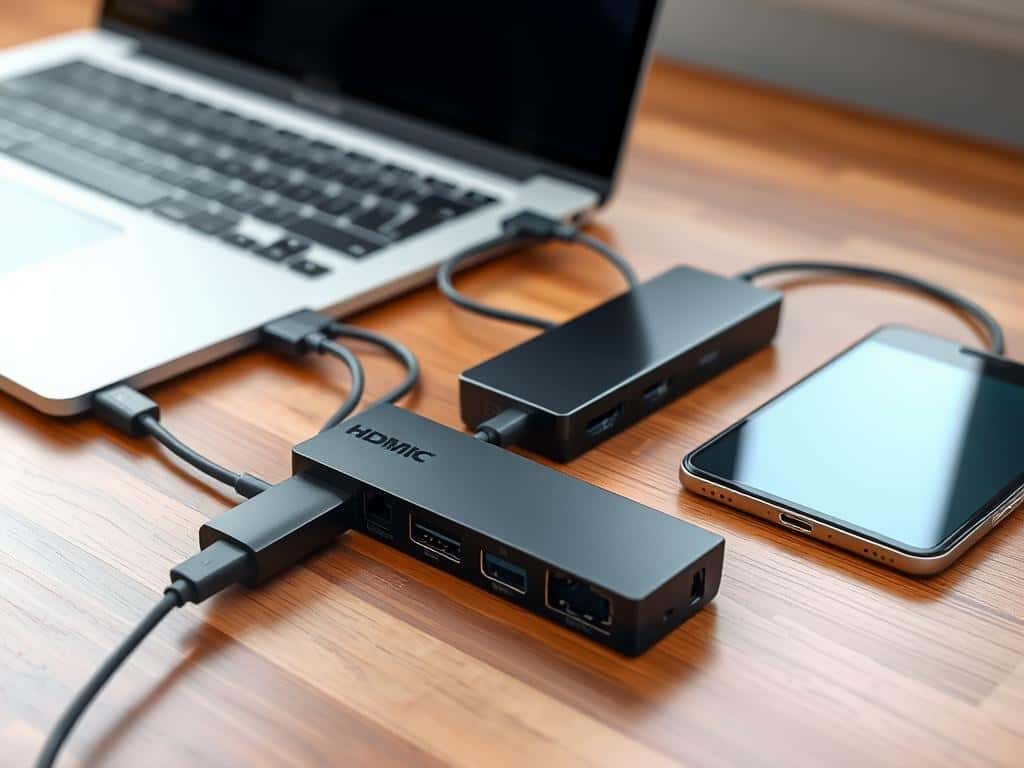
Did you know a USB-C hub can support up to 13 ports? This lets you connect many devices at once. In today’s world, laptops often have few ports. The right USB-C hub can change your workspace.
These accessories boost connectivity and make data transfer easy. They’re key for both professionals and tech fans. With more remote work and content making, a good USB-C hub is vital. It helps you work better and use your gear smoothly.
USB-C hubs are great for connecting flash drives to monitors. They’re essential for simplifying your tech setup. Let’s look at the top options to improve your connectivity.
Key Takeaways
- USB-C hubs allow for multiple peripheral connections through a single USB-C port.
- Optimal for modern laptops with fewer built-in ports.
- Consider critical features like data transfer speeds and power delivery support.
- Choose according to your needs—whether budget, size, or performance is a priority.
- Enhanced connectivity can lead to improved productivity and efficiency.
Understanding USB-C Hubs and Their Importance
USB-C technology has changed how we connect our devices. Learning about USB-C Hubs is key to better connectivity. These hubs turn one USB-C port into many, making it easy to connect different devices.
What is a USB-C Hub?
A USB-C hub changes one USB-C port into many useful ports like USB-A, HDMI, and Ethernet. This is great for laptops with few ports. It lets me connect my older devices easily.
Why You Need a USB-C Hub for Modern Gear
Using a USB-C hub lets me get the most out of USB-C. It supports Power Delivery (PD), so I can charge my laptop and use other devices at the same time. This makes my work area neater and more productive. With more laptops having only USB-C ports, these hubs are essential.
Key Features to Look for in USB-C Hubs
When picking a USB-C hub, look for important features. Having many ports is key; a good hub adds 2 to 4 USB-A ports. For more, consider docking stations with 10 or more ports. High-quality hubs, like the QGeeM 9-port hub, support fast Ethernet and 4K HDMI output.

Top USB-C Hubs for Enhanced Connectivity
Looking into USB-C hubs, we find many options for different needs. After trying 15 models, some really shine in performance and versatility. Knowing what makes these top hubs great helps us choose the best for 2023.
Best Overall: Anker 555 USB-C Hub (8-in-1)
The Anker 555 USB-C Hub is the top pick. It has eight ports, like HDMI 2.0 for 4K at 60Hz, USB-A, USB-C, SD card slots, and Ethernet. It’s small but packs a lot of power. Anker hubs are known for being reliable, and this one is no exception.
Budget Pick: Anker 341 USB-C Hub (7-in-1)
The Anker 341 USB-C Hub is great for those watching their budget. It has seven key ports and is priced well. It shows that you don’t have to spend a lot to get good quality.
Runner-Up: Anker 655 USB-C Hub (8-in-1)
The Anker 655 USB-C Hub is close to the top choice. It also has eight ports and fast data transfer. It’s a good option for those looking for value and performance.
Additional Recommended USB-C Hubs
For more options, the UGreen Revodok Pro 109 is worth checking out. It has a unique 9-in-1 setup with eight usable ports. Prices range from $30 to $150, so there’s something for everyone. All these hubs support 100W power delivery, making them efficient for devices.
Conclusion
Choosing the right USB-C Hub is key for today’s tech needs. I’ve shown you the top picks for different needs. Whether you want something affordable or extra features, there’s a hub for you.
Investing in a good USB-C Hub boosts your device’s performance. It improves data transfer, charging, and overall use. This is vital as technology gets more complex.
USB-C Hubs are a must in today’s digital world. They help students and professionals manage their devices smoothly. These hubs make our work easier and keep our devices running well.
By picking the best USB-C Hubs, we’re looking forward to better connectivity. I suggest looking into the options and finding a hub that fits your needs now and in the future.

















+ There are no comments
Add yours