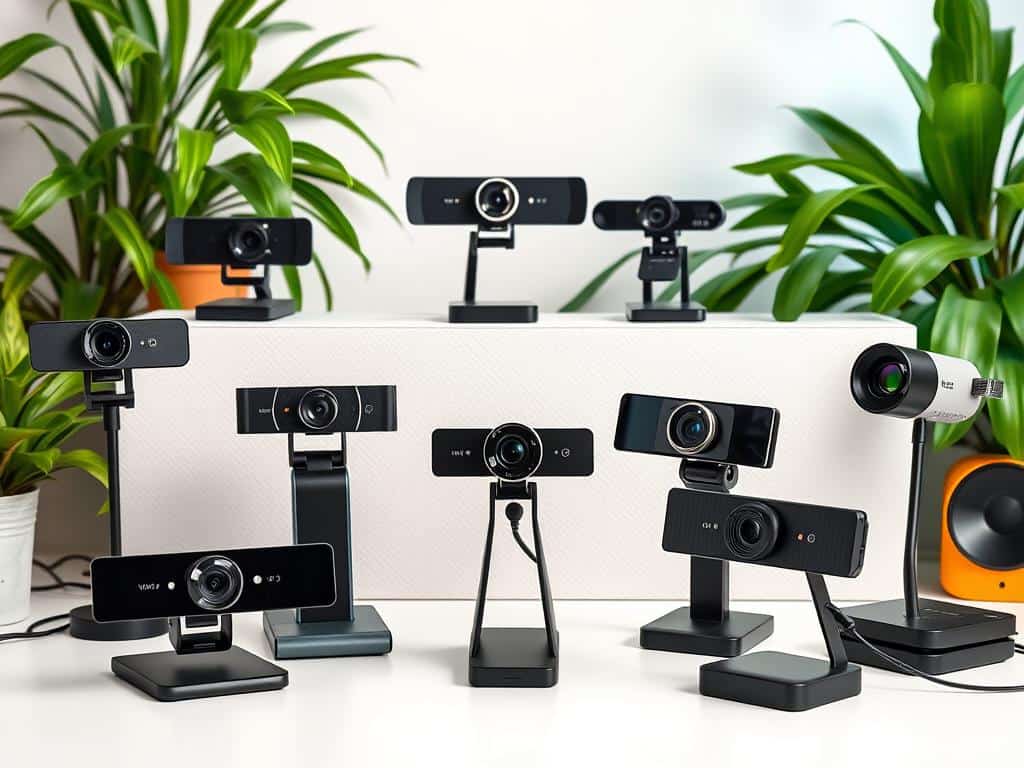
Did you know webcams became more popular after 2016? This was mainly because of the need for remote work and better video quality. Before 2021, many laptops had only 720p webcams, which were not good enough for many users.
But, laptops over $1,000 often have better webcams now. This shows a big change in tech standards. In 2023, having a full HD (1080p) webcam is the least you should expect for clear video calls. Some high-end models even go up to 4K.
Knowing about frame rates is also important. They can change how clear your video looks. For example, the Logitech Brio 505 is a good choice. It works well at 1080p and 30 frames per second, making video calls clear. It’s even better than some 4K webcams at showing skin tones.
More people want USB webcams because they offer better quality than built-in ones. So, it’s important to look at what each webcam offers before buying. In this article, I’ll talk about what to look for in a webcam. I’ll also review some of the best ones at different prices.
Key Takeaways
- Webcam adoption has increased significantly.
- Full HD (1080p) is the new standard for quality video calls.
- Higher frame rates enhance video clarity and smoothness.
- Budget-friendly webcams can outperform some premium models.
- USB webcams are in high demand due to improved performance and features.
- Logitech’s software allows for manual adjustments to enhance video quality.
Introduction to Streaming Webcams
In recent years, the need for good webcams has grown a lot. This is because more people work from home and use online tools to talk to each other. Knowing why a good webcam is important can really help with both personal and work video calls.
Why Invest in a Quality Webcam?
Many people use the built-in webcams on old laptops. These often don’t work well. A good webcam can make your videos look much clearer and more professional. This can really help keep viewers interested.
Studies show that videos with high-quality webcams keep viewers for over 35% longer than those with standard cameras. Features like working well in low light and focusing automatically make a big difference. They help you look your best, no matter where you are.
The Evolution of Webcams for Personal and Professional Use
Webcams have changed a lot over the last ten years. Now, they offer better technology and features. You can find webcams that stream in 1080P to 4K UHD, making professional streaming easy.
These webcams also work well with popular streaming software like OBS and XSplit. This makes them very useful. Webcams have changed how we connect, making remote work and personal calls better and more fun.
Key Features to Consider When Choosing a Webcam
Choosing the right webcam is key for quality streaming and video calls. Knowing the important features can really improve your experience. Key elements like resolution, frame rate, and field of view are all important.
Resolution: Understanding HD Formats
Webcam resolution comes in HD formats like 720p, 1080p, and 4K UHD. For most, 1080p is a great choice for video calls on platforms like Zoom. Avoid 720p for its lower quality. For those who edit videos, 4K is a better choice, but streaming platforms might lower the quality.
Frame Rate: The Importance of Smooth Video
The frame rate of a webcam is key for smooth video. Most webcams have a minimum of 30 fps, but better ones can go up to 120 fps. This is important for smooth motion in streams or presentations.
For example, 60 fps is possible at 720p but drops to 30 fps at 1080p. This can affect the video’s quality, making it look more polished.
Field of View: Choosing the Right Coverage
The field of view (FOV) of your webcam shows how much of your area will be seen. FOV ranges from 60 to 90 degrees. A 60-degree FOV is good for solo use, while 78 degrees or more is better for groups.
Choosing the right FOV lets you show the right things to your audience or team.
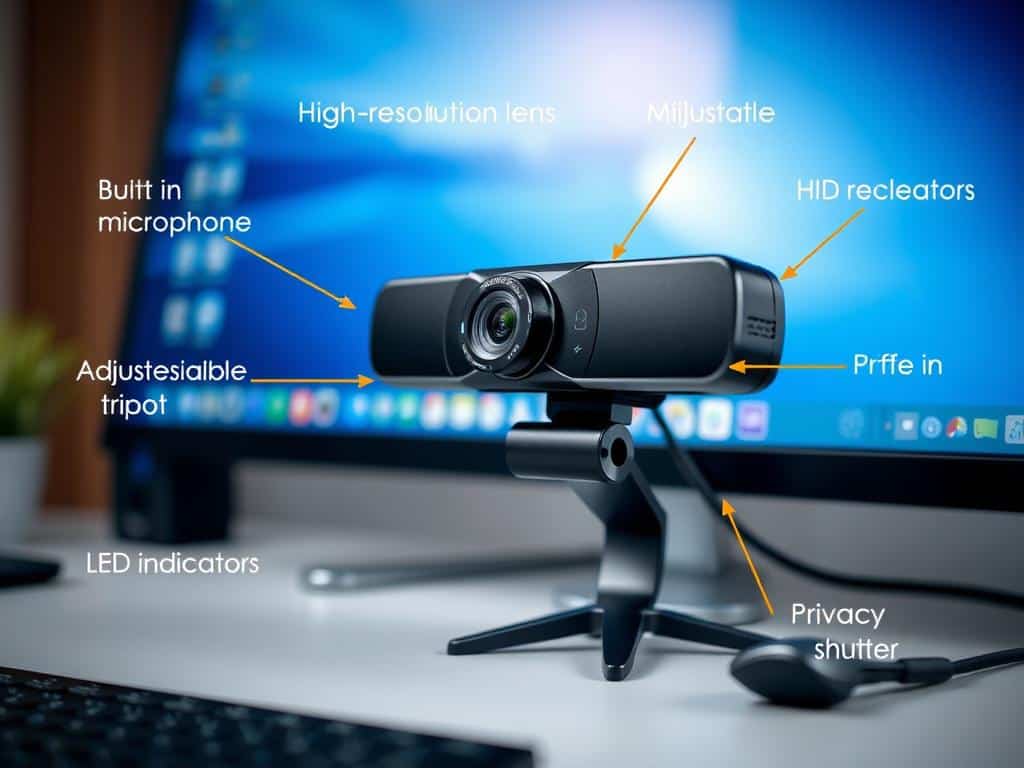
Top Picks for Streaming Webcams
Choosing the right webcam can make a big difference in your streaming and video calls. There are many options, from affordable to high-end models. Each one has special features to fit different needs and likes.
Budget-Friendly Options
Even on a tight budget, you can find great quality webcams. The Microsoft Modern Webcam is under $50 and offers 1080p at 30fps. It’s perfect for casual use.
The Logitech Brio 500 is around $130 and has amazing image quality. It uses advanced tech to adjust images. Both are great choices that won’t break the bank.
High-End Recommendations
For those ready to spend more, high-end webcams offer top features for pros. The Elgato Facecam Pro can do 4K at 60fps and 1080p at 60fps. It’s great for creators who need the best video.
The Insta360 Link is another high-end pick, with 4K at 30fps. It’s known for its advanced features for users who need more. These webcams can take your streaming and calls to the next level.
Features to Look for in Specific Models
When picking a webcam, look for certain features. Make sure it has at least 1080p resolution. Most platforms like Zoom and Google Meet use this level.
Field of view is also important, usually between 65 to 90 degrees. This affects how much of your area is shown. If sound is key, check if the webcam has good microphones and noise cancellation.
Each feature can improve your streaming and calls. Choose a model that fits your needs.
Conclusion
Reflecting on webcams, it’s clear that a good one is key for top video quality. Whether I’m streaming for fun, working from home, or at a conference, the right gear makes a big difference. Today’s best webcams offer features that make video calls clear and detailed, unlike built-in options.
Exploring webcams, I saw many affordable options under $100. But, there’s a lot to consider, like resolution and features like autofocus. Knowing what I need and my budget is important. Tips like the right placement and lighting can also improve my streams, making them more engaging.
In the end, my choice of webcam affects how well I communicate. With more people streaming live, now is the time to upgrade. By using the tips and insights I’ve learned, I can pick a webcam that suits me and boosts my online presence.















+ There are no comments
Add yours