Did you know employees spend up to 30% of their time searching for files? This shows how important good file management is. I started to organize my digital files and found it made a huge difference. It turned my messy digital space into a smooth-running machine.
With just five simple steps, I boosted my productivity and cut down on stress. I now have more time for important tasks. Let’s explore these tech tips to help you organize your digital space too.
Key Takeaways
- Reorganizing digital files can take from an afternoon to a week, based on volume.
- Focusing on one category of files at a time streamlines the organization process.
- Using a consistent naming convention improves file retrieval time significantly.
- Implementing a structured folder system enhances overall file organization.
- Misleading filenames can increase management stress and hinder productivity.
- Companies waste approximately $100 per employee annually due to poor file management.
Understanding the Importance of Organizing Your Digital Files
Organizing digital files is key to boosting productivity. In today’s fast world, finding documents quickly is vital. Sadly, about 70% of workers lose up to 30 minutes daily searching for files.
This time waste adds up to about two weeks of lost productivity each year. Learning good file management can help a lot.
Boost Productivity with Efficient File Management
Good file management makes work smoother. Studies show 58% of employees feel more productive with organized digital files. An organized digital space can boost business productivity by 25%.
Using clear naming and folder structures helps find files fast. Ideally, you should find files in just five seconds, not five minutes.
Reduce Stress and Save Time with a Clutter-Free Digital Space
A tidy digital space improves well-being. Digital clutter can raise stress by up to 30%. Decluttering digital spaces reduces distractions and boosts focus.
Creating a clear organizational system helps find files quickly. It also makes work more enjoyable. Research shows 80% of employee time is spent searching for info, leading to 30 hours of inefficiency monthly. Good digital organization can reduce these issues, making work smoother.
Tips for Evaluating & Decluttering Your Current Digital Files
Starting to declutter digital files needs a clear plan. First, I do a detailed check of where my files are stored. This helps me make a good plan to tidy up my digital space.
Assessing Your Storage Locations
Knowing where my files are is key. They might be on my computer, in cloud services like Dropbox or Google Drive, or on external hard drives. I need to find all places where I keep files. This helps me know where to start and how to manage my storage better.
Identifying and Removing Unnecessary Files
Then, I look for files that are no longer needed. This means checking different types of files, like documents, photos, and videos. Often, we keep things we don’t need, which can cause mess. By getting rid of these, I make my digital space cleaner and more organized.
Organizing Similar Documents Together
Putting similar documents in the same place helps keep things tidy. I sort files like financial reports or drafts into folders. This makes it easier to find what I need and speeds up my work. It also makes my workflow more efficient.
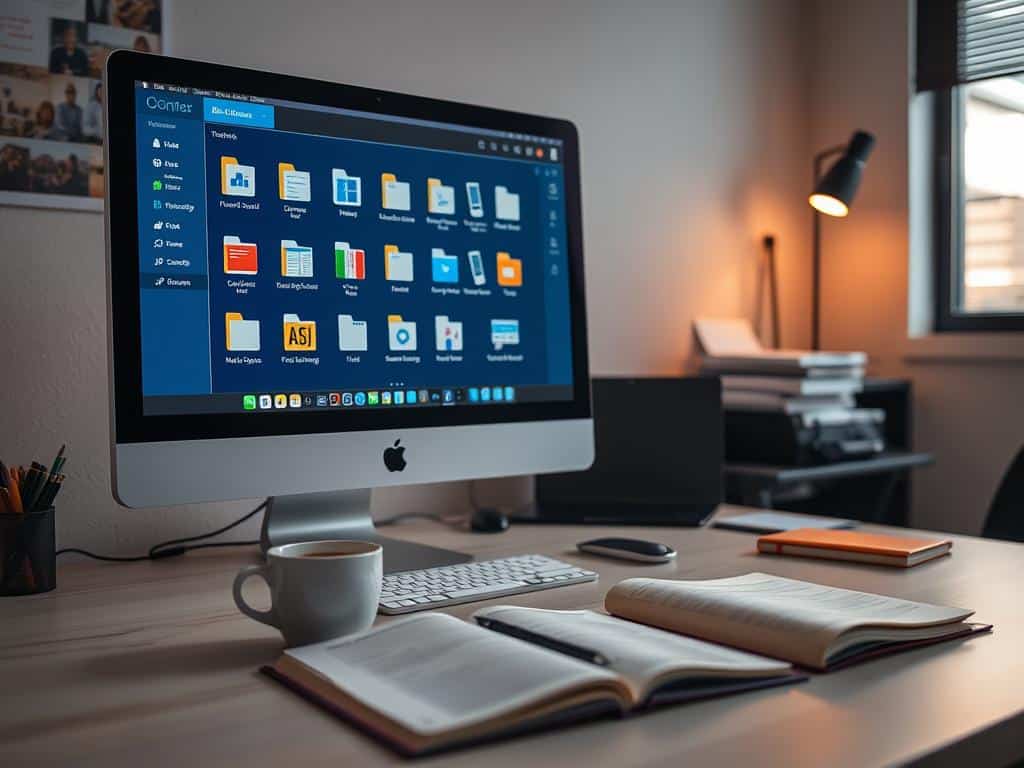
Organizing Your Digital Files: Creating a Logical Folder Structure
After cleaning up my digital files, the next step is to set up a logical folder structure. This hierarchy makes it easy to find and access my files. It saves time and boosts my productivity.
Establishing a User-Friendly Hierarchical Structure
I start by making top-level folders for broad categories like Work, Personal, and Confidential Files. Then, I create subfolders for similar documents. Studies show this can speed up finding files by up to 50%.
Having a clear structure helps me find what I need quickly. This cuts down the time I waste searching for files by about 20%.
Balancing the Number of Main and Subfolders
It’s important to find the right number of folders. Too many can confuse you, while too few can make things messy. Experts say to keep folders to 3-4 levels deep.
This makes it easier to find what you need. Using the same naming for folders helps 75% of users find files faster. These tips make my digital space more efficient.
Conclusion
Organizing my digital files is key to boosting productivity and reducing stress. With 90% of people feeling overwhelmed by digital clutter, a good file system can greatly improve well-being. By sorting files and using a clear folder structure, I make my digital space more efficient.
Getting organized digitally takes time and effort, but the benefits are huge. Studies show that better file management can increase productivity by 25%. This is because clear names and a structured system help a lot.
Regular maintenance keeps my digital space organized for up to 80% of users. By following these tech tips, I ensure a productive and efficient work environment. This supports both my work and personal goals.
















+ There are no comments
Add yours