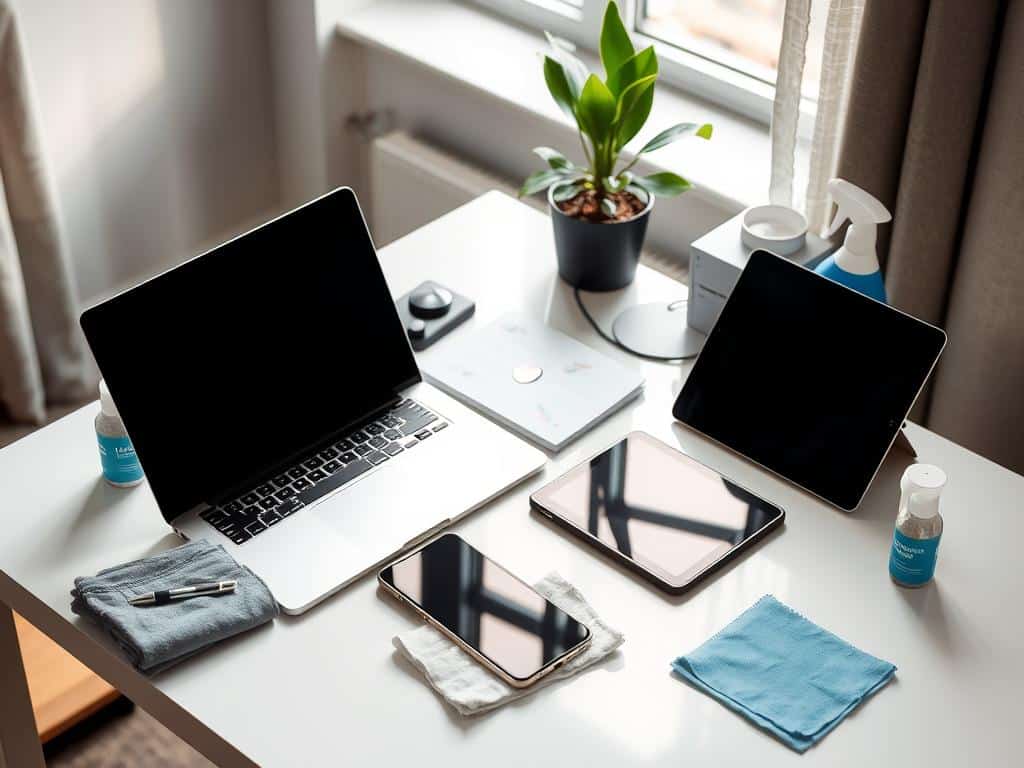
Did you know the average employee spends nearly 25% of their week on digital devices? This shows how important it is to clean and maintain them. Our screens, keyboards, and smartphones are full of dust, germs, and digital clutter. Keeping our workspace clean is not just nice; it’s necessary.
In this guide, I’ll show you 5 easy steps to clean your devices. These steps will help you organize your digital space. This will make you more productive and keep your devices clean.
Key Takeaways
- Digital hygiene is essential for optimal tech performance.
- Regular cleaning can prevent the accumulation of harmful bacteria on devices.
- A well-organized workspace boosts productivity and reduces distractions.
- Utilizing cloud services simplifies the management of photos and files.
- Implementing tech tips can help maintain a cleaner digital environment.
- Create a routine for cleaning and organizing your digital devices at least once a month.
Understanding the Importance of Digital Hygiene
Digital hygiene is key in today’s world. It affects how well our devices work and our health. Many ignore how dirt and germs on devices can cause problems. Keeping devices clean is not just about looks; it’s essential for their function and safety.
The Impact of Dirt and Germs on Devices
Smartphones, tablets, and keyboards can quickly get dirty and germ-ridden. Their surfaces are perfect for bacteria to grow. Touchscreens and keyboards are hotspots for germs. Keeping them clean is vital for our health, as it lowers the risk of infections.
Benefits of Regular Cleaning
Cleaning devices has many benefits. It improves their performance and extends their life. A clean device works better, from clearer screens to more sensitive touch. It also makes our workspace less stressful, boosting productivity.
Studies show that staying organized can increase efficiency by up to 25%. This leads to better health, less distraction, and more focus on important tasks.
Steps for Cleaning Your Digital Devices
Cleaning our digital devices keeps them working well and looking good. It starts with getting ready for cleaning, which is key for a safe and thorough job. I always start by turning off and unplugging my devices to avoid electrical risks. With them off, I clean screens, keyboards, and mice to keep things clean.
Preparing Your Devices for Cleaning
Getting devices ready for cleaning is more than just turning them off. It means gathering the right stuff. I make sure I have everything I need before I start. This way, I don’t get interrupted. And, making sure devices are unplugged helps avoid damage and accidents.
Cleaning Screens, Keyboards, and Mice
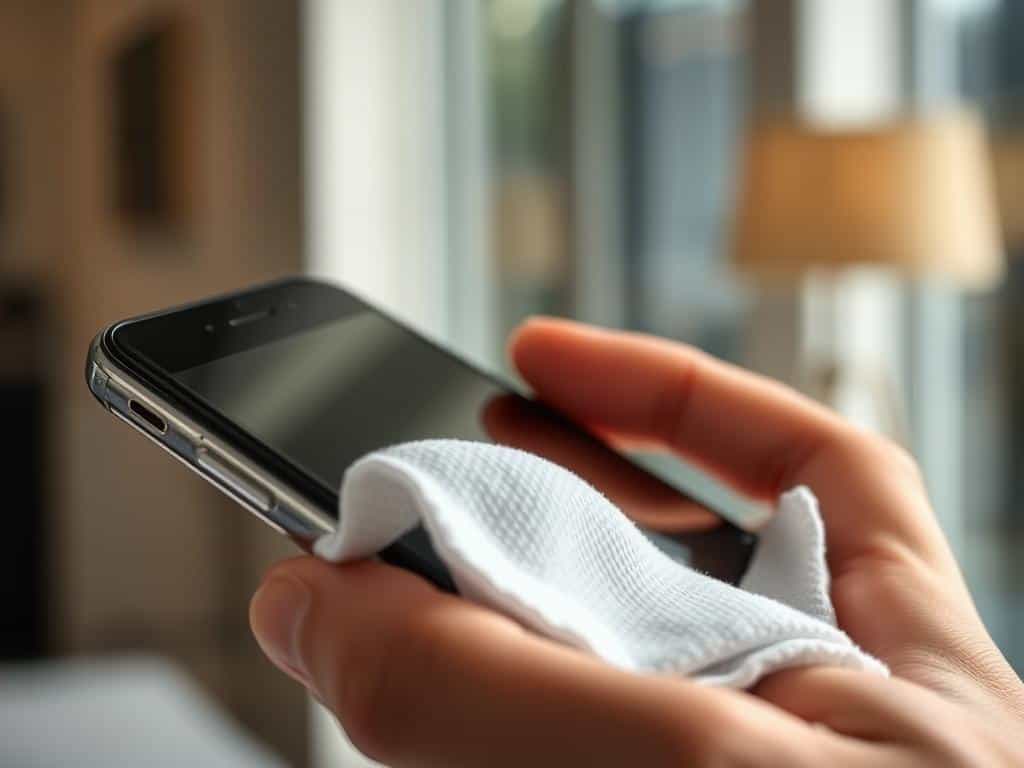
To clean screens, I use a dry microfiber cloth to remove dust and smudges. For tough spots, I mix equal parts rubbing alcohol and water on the cloth. Keyboards collect crumbs and dirt, so I shake them gently or use compressed air to get rid of it. I also use a damp cotton swab with rubbing alcohol to clean between the keys.
Mice get the same careful cleaning, using a microfiber cloth for the outside and the sensor area.
Essential Tools and Materials
Having the right cleaning tools makes the job easier. I use microfiber cloths, distilled water, and rubbing alcohol (70% or lower) for the best results. Compressed air is great for getting into tight spots, giving a deeper clean in cracks and crevices.
Cleaning Your Digital Space: A Complete Guide
Cleaning my digital space is more than just organizing files and photos. It’s a full approach to improve my online life. Digital decluttering helps me manage my info better, boosts productivity, and improves my well-being. It also cuts down on stress and anxiety from too much digital clutter.
Digital Decluttering Tips
To start digital decluttering, I first get rid of files and emails I don’t need. Studies say we spend 1.5 hours daily looking for files. With good organization, this time can be greatly reduced.
Checking online accounts regularly helps get rid of unused ones. This makes my digital space clearer and safer from cyber threats. Using tools like Duplicate File Finders helps free up space by removing duplicate files.
Account and Password Management
Managing passwords is key to keeping my digital space safe. A password manager helps me make strong, unique passwords. This makes my accounts more secure and login easier.
It’s also important to update passwords and check accounts often. Studies show this can make work up to 70% more efficient. Getting rid of unused accounts also protects against data breaches.
Organizing Files and Photos
Organizing files and photos is a big part of my digital cleaning plan. A good folder system makes finding documents easy. Backing up photos keeps them safe from loss.
Clearing out old photos saves space and makes my digital life better. Keeping things organized boosts focus and productivity. A tidy digital space is essential for my daily tasks.
Conclusion
Keeping my digital space clean is more than just looks. It’s key to making my devices work better and keeping me safe online. This digital cleaning guide helps me keep my devices in top shape. It also makes my digital life healthier.
When I clean my digital space regularly, I work better with my devices. This boosts my productivity a lot. It’s like having a superpower for getting things done.
A messy digital area can slow me down by 30%. I don’t want that. By cleaning up, I save time and feel less stressed. Studies show I can get tasks done 20% faster when my digital area is neat.
Regularly cleaning my digital devices has big benefits. It helps me focus and work better. Making cleaning a habit, like doing it monthly, keeps things organized. This makes finding files easy and stress-free.
By following these habits, I work more efficiently. It makes my digital life more enjoyable. It’s a win-win for me.















+ There are no comments
Add yours