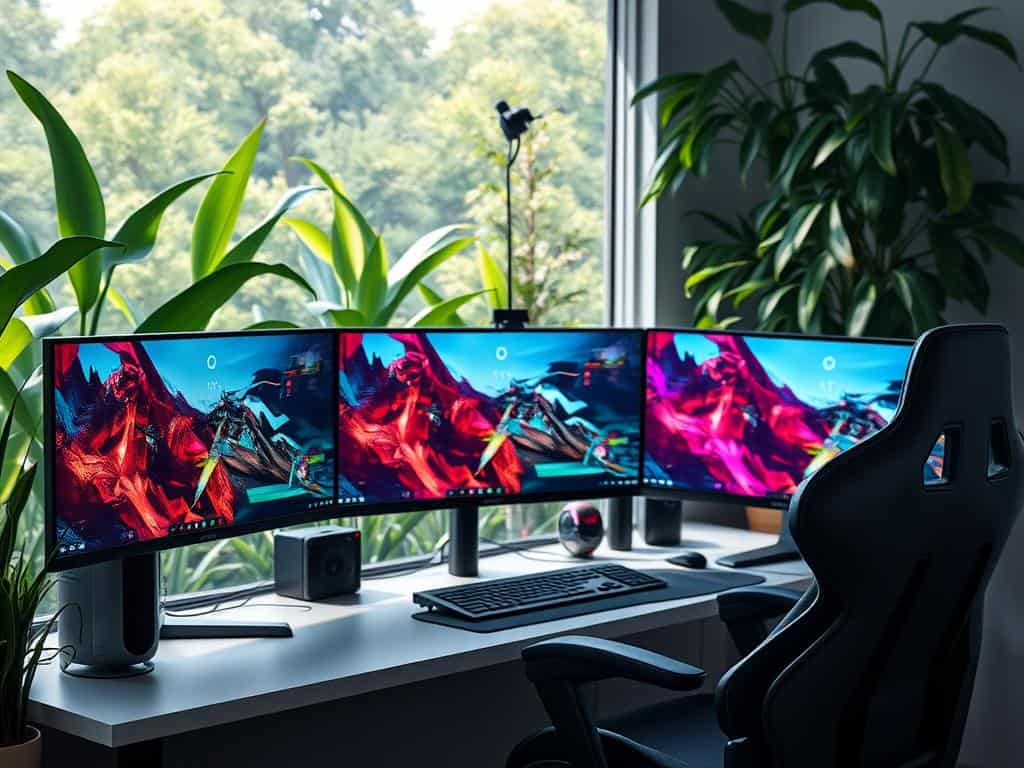
Did you know over 330 different 4K monitors were tested recently? This rise in interest is due to their stunning clarity, showing 8.3 million pixels (3840 x 2160). Gamers and professionals alike are looking for better visuals, making 4K monitors a must-have.
For gamers, high-refresh-rate displays are key. The Samsung Odyssey OLED G8, for example, has a top refresh rate of 240 Hz. This ensures smooth visuals. These monitors also shine in professional settings, with sharp images and vibrant colors that boost productivity.
When looking for the best monitor, it’s important to consider specs like refresh rates and response times. Advanced adaptive sync technologies are also vital. These factors help us find the perfect monitor for our needs.
Key Takeaways
- Over 330 4K monitors were tested to determine the best for gaming and productivity.
- 4K resolution displays 8.3 million pixels, providing exceptional clarity.
- The Samsung Odyssey OLED G8 features a remarkable refresh rate of 240 Hz.
- High-resolution screens are vital for both immersive gaming and efficient productivity tasks.
- Understanding specs like refresh rates and adaptive sync is key in choosing a monitor.
Why 4K Monitors Are Essential for Gamers and Professionals
The move to ultra HD monitors is a big deal for gamers and professionals. Technology has improved, making games look better than ever. 4K resolution brings stunning detail and clarity, making games more fun and work more efficient.
The Rise of Ultra HD Monitors in Gaming
4K gaming monitors are now common in gaming. They offer a resolution of 3840×2160, four times more than 1080p monitors. This means games look incredibly detailed, pulling players into the action.
With HDMI 2.1, gamers can enjoy high frame rates and resolutions. This is perfect for the latest consoles like the PS5 and Xbox Series X|S.
Benefits of 4K Resolution for Productivity
For those in creative fields, 4K resolution is key. It makes tasks like photo and video editing clearer. Programs like Adobe Creative Cloud take advantage of this, improving image quality and workflow.
Also, the big screens let you see more at once. This is great for professionals who have to work on many things at once.
Top Picks for High-Performance 4K Monitors
Looking for the best 4K monitors? Several models are top picks based on features and price. Whether you’re into gaming or need a budget-friendly option, there’s something for you. Each pick is made to meet specific needs, helping you find the perfect monitor.
Best Overall: Samsung Odyssey OLED G8
The Samsung Odyssey OLED G8 is a top choice for gaming. It has a QD-OLED panel for bright colors and deep blacks. With a 240Hz refresh rate and fast response times, it offers a smooth gaming experience. It’s perfect for serious gamers who want the best.
Best Mid-Range: Acer Nitro XV275K P3biipruzx
The Acer Nitro XV275K P3biipruzx is a great mid-range option. It has an IPS panel for accurate colors and a 160Hz refresh rate. It’s priced well for gamers who want quality without spending too much, making it a top pick in the mid-range market.
Best Budget: Gigabyte M27U
The Gigabyte M27U is great for budget gaming. It has a 160Hz refresh rate and good color precision. While it may not have all the features of more expensive monitors, it’s great for casual gaming and everyday use. It’s one of the best 4K monitors for those on a tight budget.
Best for Console Gaming: Alienware AW3225QF
The Alienware AW3225QF is perfect for console gamers. It has a 240Hz refresh rate and supports Dolby Vision. Its large screen ensures you see every detail, making it ideal for immersive gameplay. It’s designed to meet the needs of console gamers with high-quality visuals.
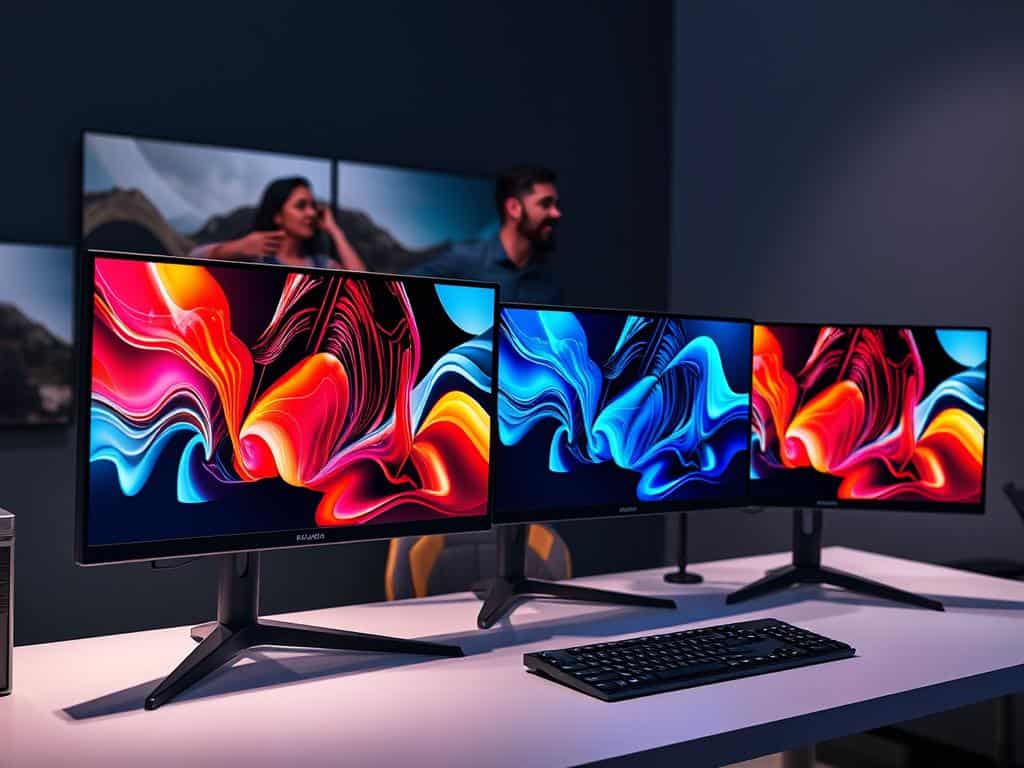
Key Features to Consider in 4K Monitors
Choosing a 4K monitor means looking at key features. These features affect gaming and work performance. They help decide what’s best for me, whether for fun or work.
Refresh Rates and Response Times
Refresh rates make visuals smooth. For everyday tasks, 60 Hz is good. But, gamers often prefer 120 Hz or more. Response times under 5 ms cut down on motion blur.
These monitor features are key for fast action on screen.
Screen Tech: IPS, QD-OLED, and Mini LED
Knowing about screen tech helps pick the right monitor. IPS panels are great for color and wide views, perfect for design. QD-OLED offers deep blacks and contrast for gaming.
Mini LED displays are bright and dim local areas for better pictures. Choosing the right screen technologies depends on what I value most.
Adaptive Sync Technologies: FreeSync and G-Sync
Adaptive sync is key for smooth gaming. FreeSync and G-Sync sync the monitor with the graphics card. This reduces screen tearing and stuttering.
Knowing about these adaptive sync technologies is vital for a good gaming monitor.
Conclusion
Investing in quality 4K monitors offers big benefits for gaming and work. These monitors have a high resolution of 3840 x 2160. This means they show images four times clearer than Full HD.
For tasks that need sharp visuals, like graphic design or video editing, these monitors are perfect. They also make gaming more immersive. This is great for those who want to improve their gaming setup.
Choosing the right monitor involves looking at several features. Refresh rates, screen technology, and adaptive sync are key. It’s important to pick a monitor that fits your needs, preferences, and budget.
Whether you’re looking for the best performance or a good deal, there’s a 4K monitor for you. This makes your tech experience better.
The move to 4K monitors is a smart choice for better visuals and work. Knowing the technical details and how to scale images is key. Some 4K monitors are even affordable, costing between $200 – $300.
Getting the right UHD monitor can really help you reach your gaming and work goals. It’s a worthwhile investment.














+ There are no comments
Add yours