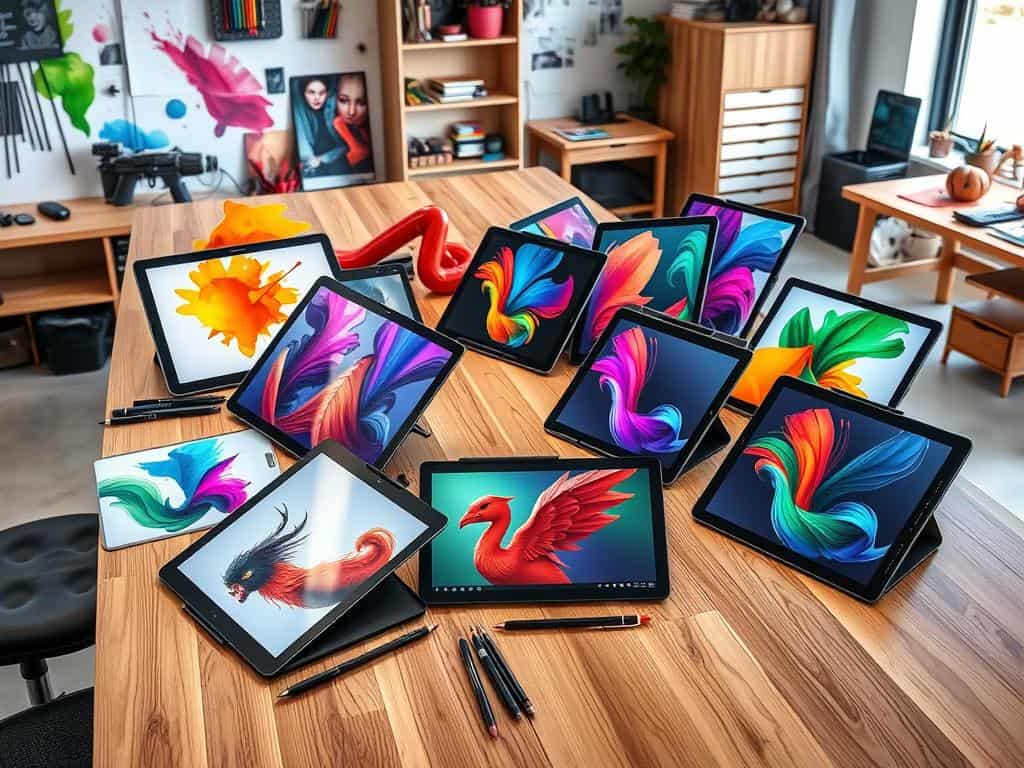
Did you know Adobe Photoshop is used in 100% of comic art workflows? It’s key for layout and text, but artists also use drawing tablets. These tools are vital for turning ideas into digital masterpieces.
As a digital artist, I know how important the right tools are. This article will cover the top graphic tablets, from the Wacom Cintiq Pro to the iPad Pro. Each is designed for different art needs. They offer great pressure sensitivity, screen quality, and work well with software like Clip Studio Paint.
We’ll look at each tablet’s features and benefits. This will help you pick the best one for your digital art.
Key Takeaways
- Graphic tablets are essential for modern digital artists, integrating seamlessly with popular software.
- Devices like the Wacom Cintiq Pro and iPad Pro offer unique advantages for various artistic styles.
- Pressure sensitivity ranges from a minimum of 4,096 levels, which is key for detailed artworks.
- Specialized drawing tablets can eliminate the need for external monitors, improving usability and ergonomics.
- Price points vary widely, making options available for both pros and new artists.
Introduction to Graphic Tablets
Graphic tablets are a big change in digital art. Knowing what a graphic tablet is is key for those interested. It’s a device that lets you draw directly on it, connecting smoothly with computer software.
What is a Graphic Tablet?
Graphic tablets, also called drawing tablets, come in different types. Some have built-in screens, while others need an external monitor. They work in various ways, like using electromagnetic induction or capacitive technology to track stylus movements.
This technology has come a long way. It started with early models like the KoalaPad and grew with innovations like the pressure-sensitive Quantel Paintbox. Advances in Intel microprocessors have made them more precise, helping artists create detailed work.
Benefits of Using Graphic Tablets for Digital Art
Drawing tablets offer more than just ease of use. They’ve cut down the time needed for detailed artwork. What used to take hours can now be done in minutes.
These tools also mix the feel of traditional art with digital creativity. Artists can use different brushes and tools in software like Adobe Photoshop and Clip Studio Paint. They get great precision and can mimic many traditional media and techniques.
In short, graphic tablets are essential for today’s artists. They combine technology and creativity in a powerful way.
Top Graphic Tablets for Digital Artists
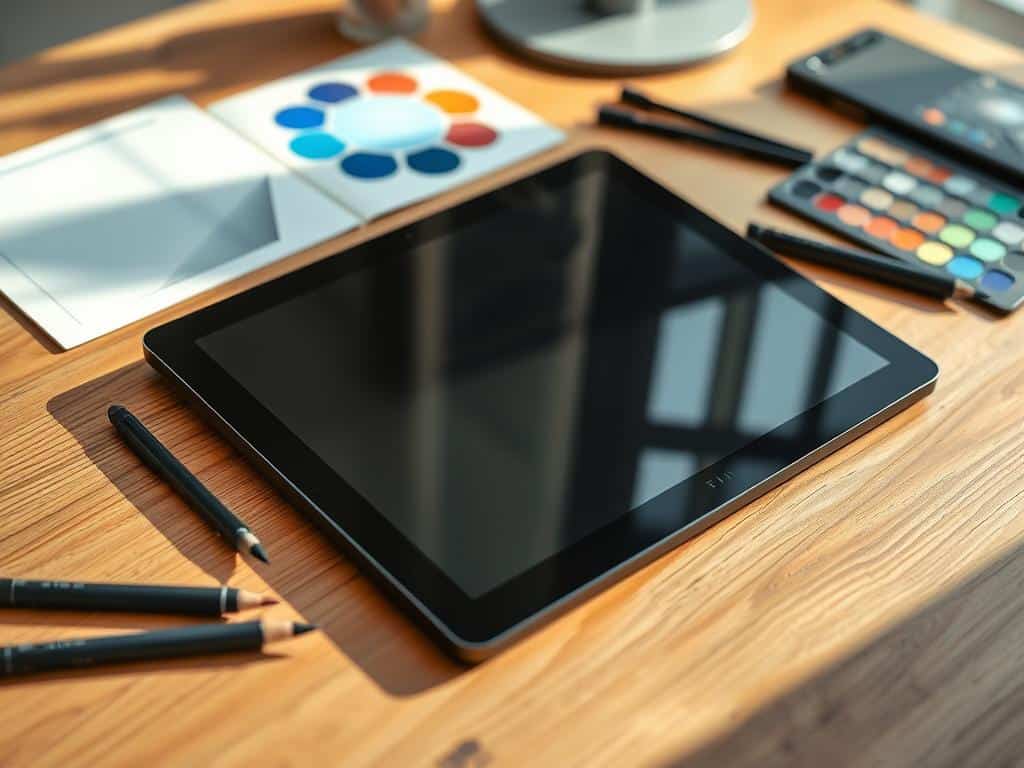
Choosing the right graphic tablet is key to your artistic journey. Each device has unique features that meet different artist needs.
Xencelabs Pen Display 24
The Xencelabs Pen Display 24 has a 24-inch 4K display. It’s great for detailed artistic projects. Its active area is 20.75 x 11.7 inches, perfect for creativity.
It has 8,192 levels of pen pressure sensitivity. It also supports 99% AdobeRGB and 93% DCI-P3 colors. This makes your digital art experience better.
XPPen Artist Pro 16
The XPPen Artist Pro 16 has a 2560 x 1600 resolution. It offers 16,000 pressure sensitivity levels. It’s a good choice for professional artists.
It comes with a stylus for precision. The adjustable stand adds versatility. But, it might feel restrictive to some artists.
Wacom Cintiq Pro 27
The Wacom Cintiq Pro 27 is a high-end option. It has a 27.9-inch Ultra HD screen and multi-touch support. Its 120Hz refresh rate and 8,192 levels of pen pressure sensitivity are great for detailed work.
It might be larger than some prefer. But, its features make it a top choice for digital art.
iPad Pro 12.9
The iPad Pro 12.9 is known for its portability and OLED Retina display. It’s powered by the M4 chip for smooth performance. It has a 2420 x 1668 pixel resolution.
Artists can enjoy up to 10 hours of battery life. It’s a versatile tool for creating art anywhere, without being tied to a workstation.
Xencelabs Pen Tablet Medium Bundle
The Xencelabs Pen Tablet Medium Bundle is for artists who like traditional drawing. It has an ergonomic design and 8,192 levels of pressure sensitivity. It’s affordable and portable, making it a great choice.
It combines advanced functionality with ease of use. It’s perfect for those who want a balance between features and simplicity.
Conclusion
Exploring the best graphic tablets showed me how important the right one is for digital artists. Each tablet has special features that meet different artistic needs. From better pressure sensitivity to customizable buttons, they all play a big role in an artist’s work.
The market has changed a lot, thanks to Wacom’s patent ending. Now, graphic tablets are more affordable and accessible. This has made art technology a big part of the creative process. Artists can now enjoy more control and precision, opening up new ways to create.
Looking back, the advancements in tablet technology are impressive. The right graphic tablet can really change an artist’s work. Whether it’s for digital painting, photo editing, or graphic design, the options are endless. With this guide, I’m sure artists of all levels can find the perfect tool to enhance their art and spark new ideas.














+ There are no comments
Add yours